Campaign temperature in Commizzion: How to use it to your advantage?
- March 20, 2025
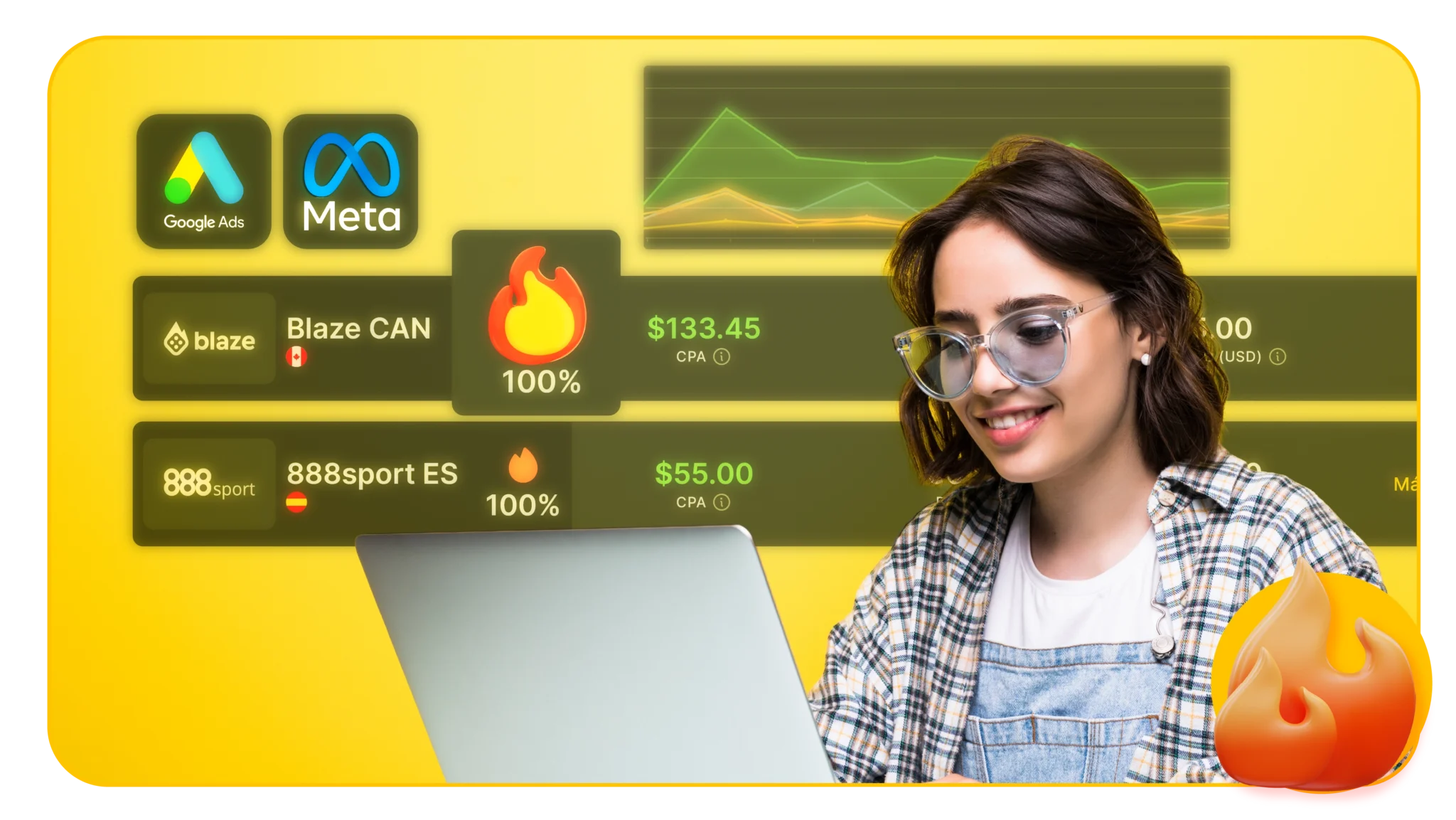
If you're already a Commizzion affiliate, you've probably come across an indicator called "Temperature" on your dashboard. This visual data is much more than a simple metric; it shows you the popularity and effectiveness of a campaign on a scale from 0% to 100%.
1. What is the temperature of a campaign?
Campaign temperature is measured as a percentage from 0.% to 100%, indicating the level of use or popularity of a campaign. The higher the temperature, the greater the interest and activity in that campaign.
- 0% to 100%: Represents the level of campaign activity compared to others.
- Higher temperature = Greater popularity or use.
This indicator allows you to quickly identify which campaigns are being used the most and are performing best at that moment.
2. How is temperature calculated?
Although the exact calculation is internal, the temperature is based on three key factors:
- Clicks generated.
- Records and deposits made.
- Conversion rate (from click to paid CPA).
A campaign with a temperature close to 100% means that other affiliates are getting good results with it, which may be related to attractive promotions or public interest in a recent event.
3. Why should you pay attention to it?
Paying attention to campaign temperature saves you trial and error time. Instead of guessing which campaign to launch, you can prioritize those with a high temperature, indicating they're performing well for other affiliates.
Example: If you're looking for a campaign for Mexico and you see one with a temperature of 80%, it's an excellent option to try.
4. How to combine temperature with other key data
In addition to temperature, the Commizzion dashboard displays other key metrics:
- CPA (acquisition commission): What you earn for each user who completes registration, deposit, and bet.
- GEO: Country where the campaign is active.
- Campaign typeFor example, welcome promotions, free bets, combination bets, etc.
Recommendation:
Prioritize campaigns with a high temperature 🔥If you have organic traffic, you can also try campaigns with a moderate temperature and easy-to-meet conditions.
5. Monitor your performance in real time
The Commizzion panel not only shows you the temperature, but also lets you track your performance in real time. You can see:
- Total clicks.
- Registered users.
- Deposits
- Accumulated commissions.
This information allows you to evaluate which content and channels are performing best. Practical tipIf you run one campaign on Instagram and another on TikTok, check which one is generating more clicks and conversions to optimize your approach.
6. How to use temperature to plan your week
Campaign performance can fluctuate rapidly, so it's important to check your dashboard at least once or twice a week. A campaign that's "hot" this week due to a special event (like a major football match) might cool down the following week.
Recommended steps:
- Review which campaigns have high engagement and are relevant to your audience.
- Plan your content (posts, stories, videos) based on those campaigns.
- Adjust your strategies as you observe changes in temperature and results.
Your dashboard is your key tool for making informed decisions and adjusting your strategy weekly. Learning to read and act on campaign trends is crucial for optimizing your commissions on Commizzion.
Ready to monetize your traffic or community? At Commizzion, we connect affiliates with the best betting campaigns on the market. Contact us. https://wa.link/7rcif5 and discover how you can start generating income today.